how to fix a tv screen that goes black
Free shipping on qualified orders. You can see it runs.
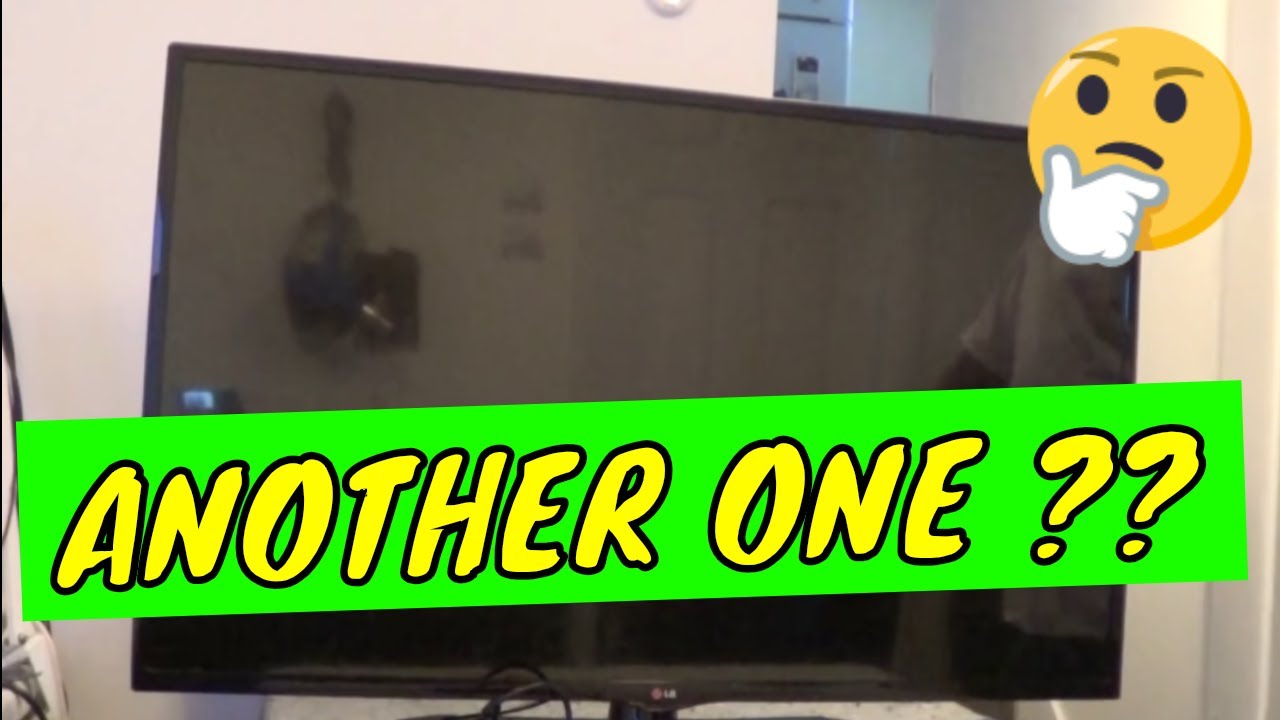
Pin On Tv Fix
If your TV is.

. Check the Picture Mode. Check and put the cables into the correct ports. The power supply unit is located under the TV and is connected to the TVs motherboard.
First make sure the TV is powered on. You can use this to fix TV Sets from any Brand such as those from. 7 Ways To Fix Samsung TV Screen That Randomly Goes Black.
If your screen appears to be permanently black your TV may have a more serious problem. Some TVs will experience a black screen if the HDMI connection goes bad. There are a few things you can try when your TV screen goes black.
When the TV receives power you should see the small LED. First make sure that your TV is turned on and that the power cord is plugged in properly. Follow the instructions on your screen to install the.
Free easy returns on millions of items. For this you have to. Ad Top-rated pros for any project.
Go to the Adjust desktop color settings section and change Content type reported to the display from Auto-select recommended to Desktop programs. Direct the home flashlight beam to the screen of the TV on - if you see an image the problem is that one of the panels of the TV has failed. Here is how to deal with the Black Screen problem or Blank Screen problem for any TV.
Local TV Repair TV Repair TV Repair Shops Flat Screen TV TV Repair Services. Ad Browse discover thousands of brands. A problem can lie in the picture mode from the settings in your Vizio TV that can cause no video no picture issue.
Tap on Software Update then click on Update Now. TCL TV Black Screen Follow these steps for the TCL Roku TV. Select Quick TV Start.
Turning a device off and back on again is a great first step for fixing glitchy electronics and a glitchy TV screen is no different. To fix a TV screen that goes black without sound youll need to replace the power supply unit. On the Roku TV remote press the Home button.
Ad Explore the Highest Rated TV Repair Near By - See them Now. A Samsung TVs screen might go black randomly due to a faulty power supply unit or a worn-out. The next step is to check the cable and power.
Read customer reviews find best sellers. Navigate to System Settings. Once you have done this the update file should begin to download.
Ensure Proper Cable Connection. Turn off both your television and any.

Fix Samsung Tv Black Screen

How To Fix A Broken Flat Screen Lcd Led Tv With Lines Or Cracks

Tv Turns On But No Picture Or Sound Black Screen Fix

Led Lcd Tv Repair Sound But No Picture Black Screen Dark Picture Pt1

How To Fix Lg Tv Blank Screen For Zero Cost

Flat Screen Hdtv Has Sound But No Picture Screen Is Not Cracked
South Shore City Life Tv Stand For Tvs Up To 55 Color Black Oak
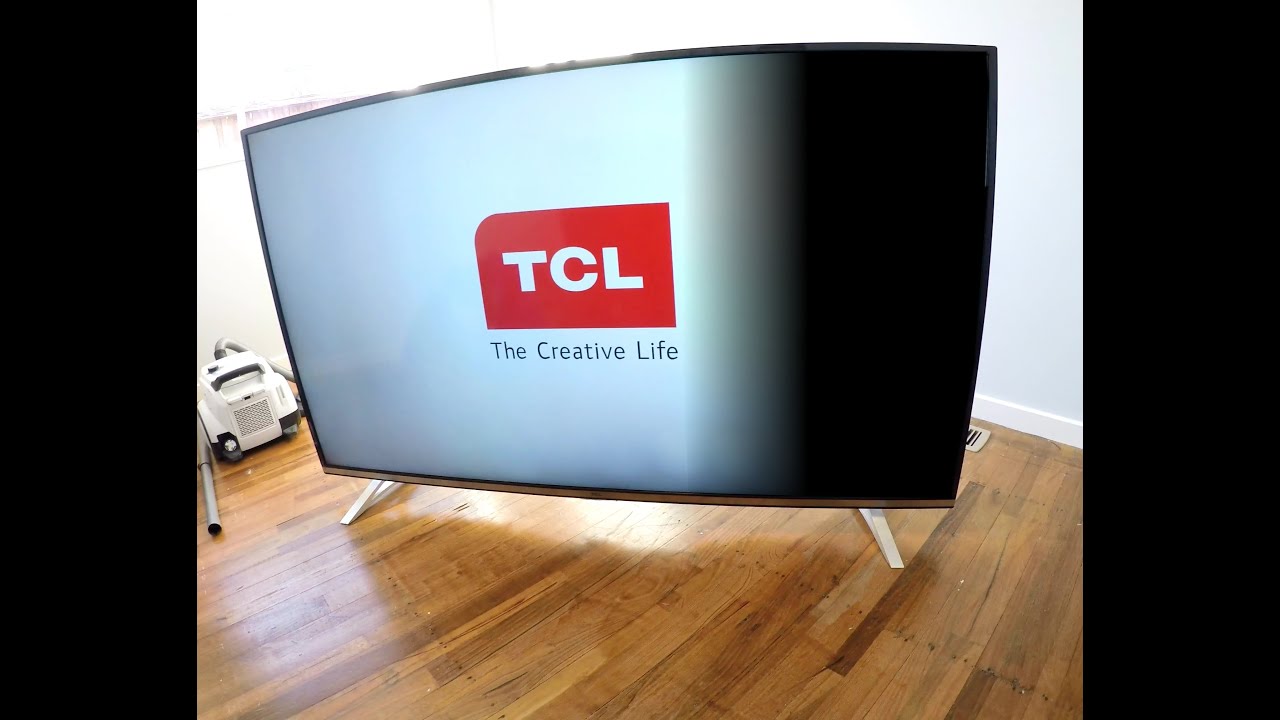
Tcl Blacklight Fix Black Screen

How To Fix Tcl Led Tv Screen Is Black But Sound Is Working Tcl Tv Troubleshooting No Picture

Blown Capacitor Cost Less Than 1 And Commonly Fail In Lcd Tv S Check Out This Video At 2 50 To See What They Look Like And Watch On Tv Aerials Repair Led Tv

Tcl Tv Service Center In Kukatpally

Pin On Sony Led Tv
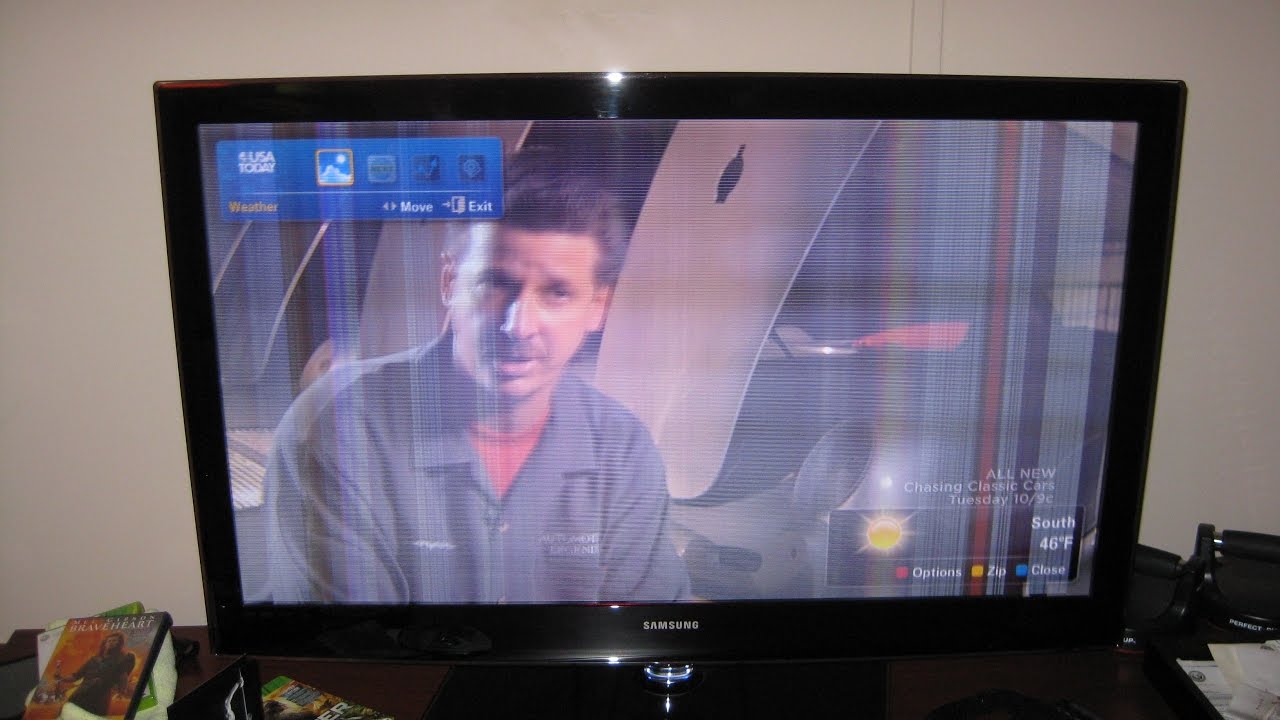
How To Repair Lcd Led Computer Monitor White Screen Problem For All Brand

Flat Screen Tv Has Lines Going Through Screen Possible Bad Component How To Repair My Tv Flat Screen Lcd Television Repair

How To Fix Led Lcd Tv Black Screen No Backlight Tv Disassemble Testing Leds Ordering Part Repair

Tvrepair Tvbacklightled How To Fix Led Tv Backlight Problem In 150 Tv No Image

How To Fix Sling Tv Go Black Screen Sling Tv Black Screen Fix It
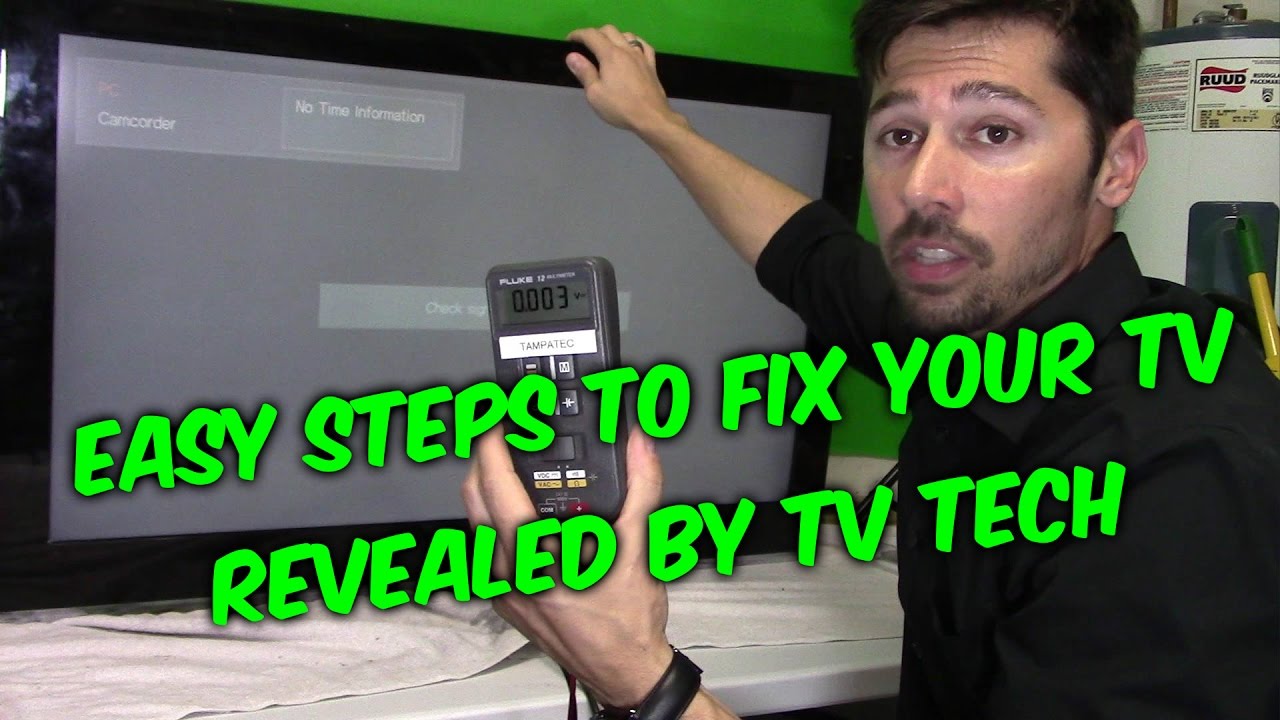
Led Lcd Tv Repair Guide How To Troubleshoot Without Meters Or Testers

Samsung Smart Tv Black Screen Samsung Tv Screen Water Damage Repair